Build a smart
video studio.
Turn the laptop and phones you already own into a recording studio, and save the time and money a real one would cost.
Demo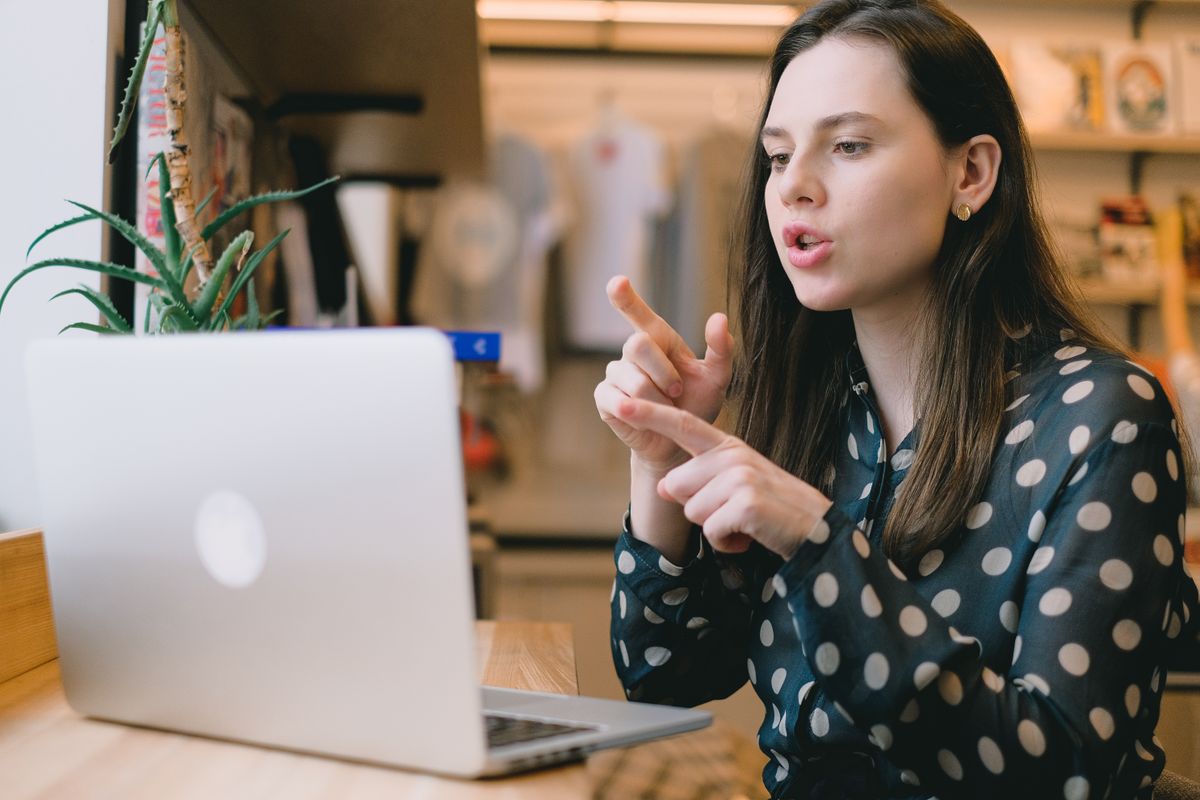
 RecordingRecordingRecording
What will you make today?
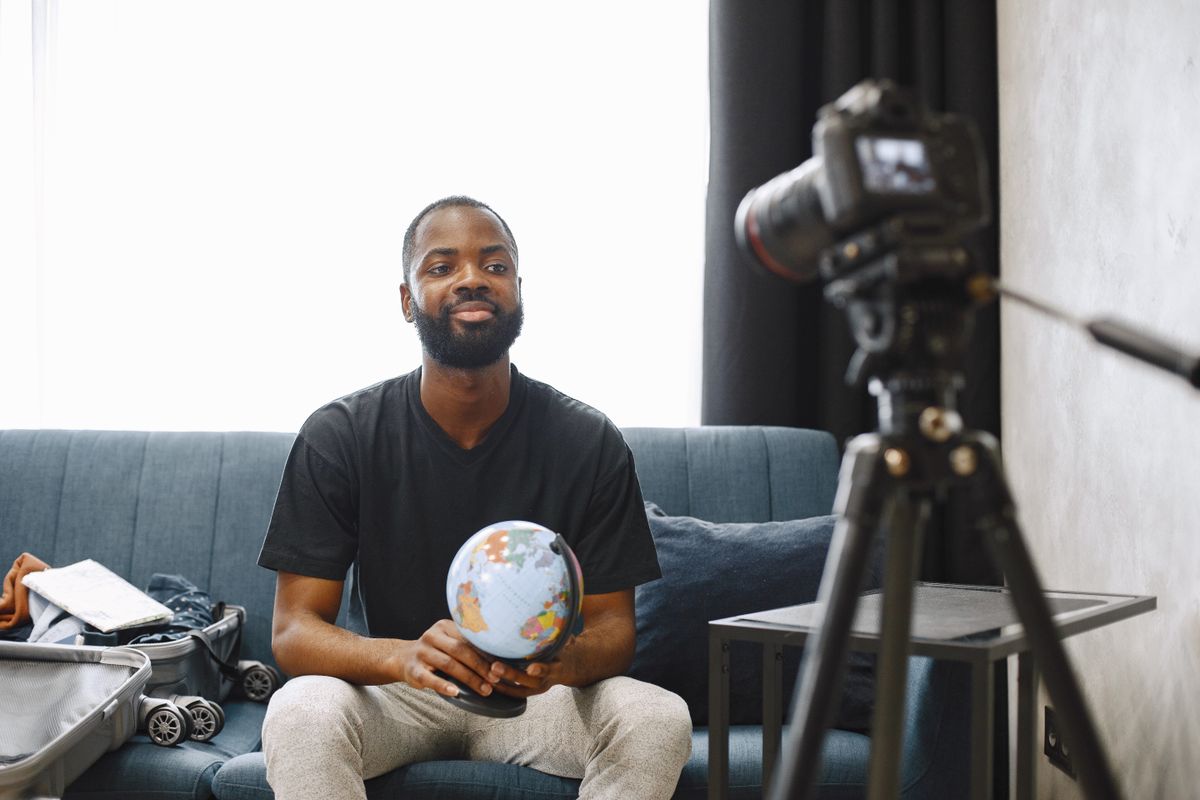
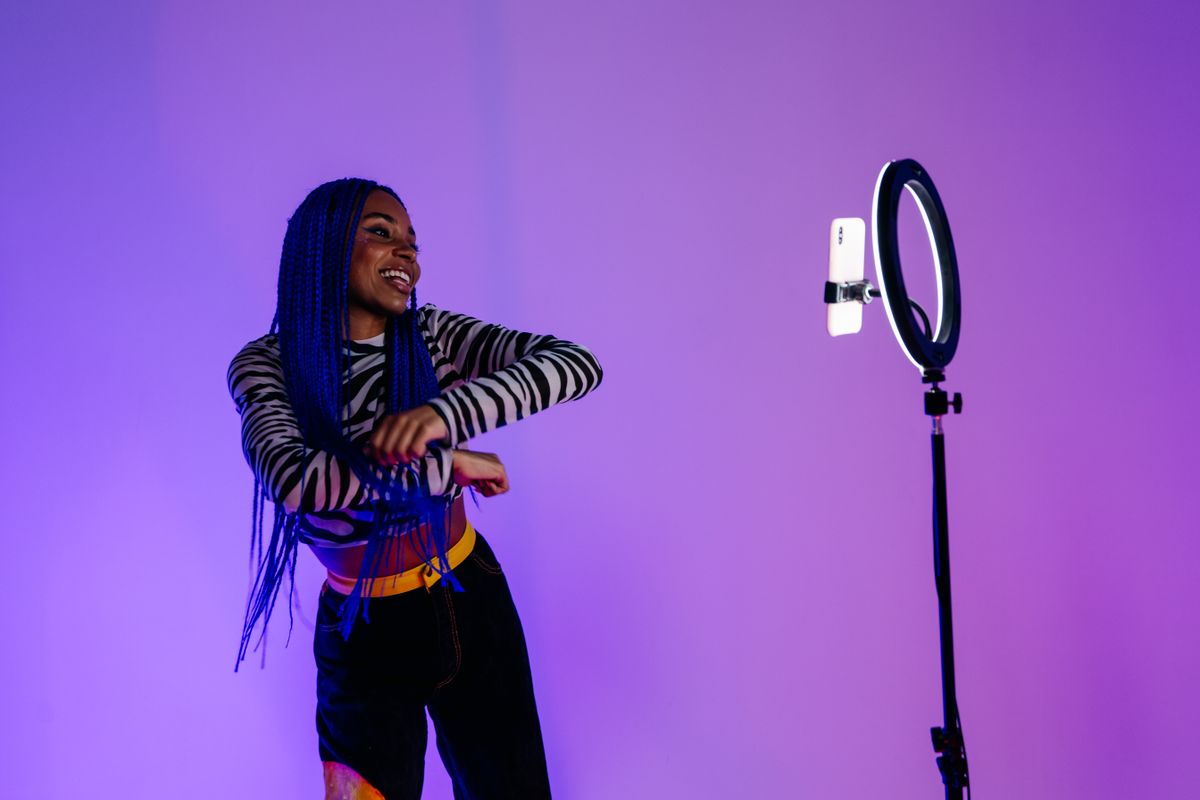
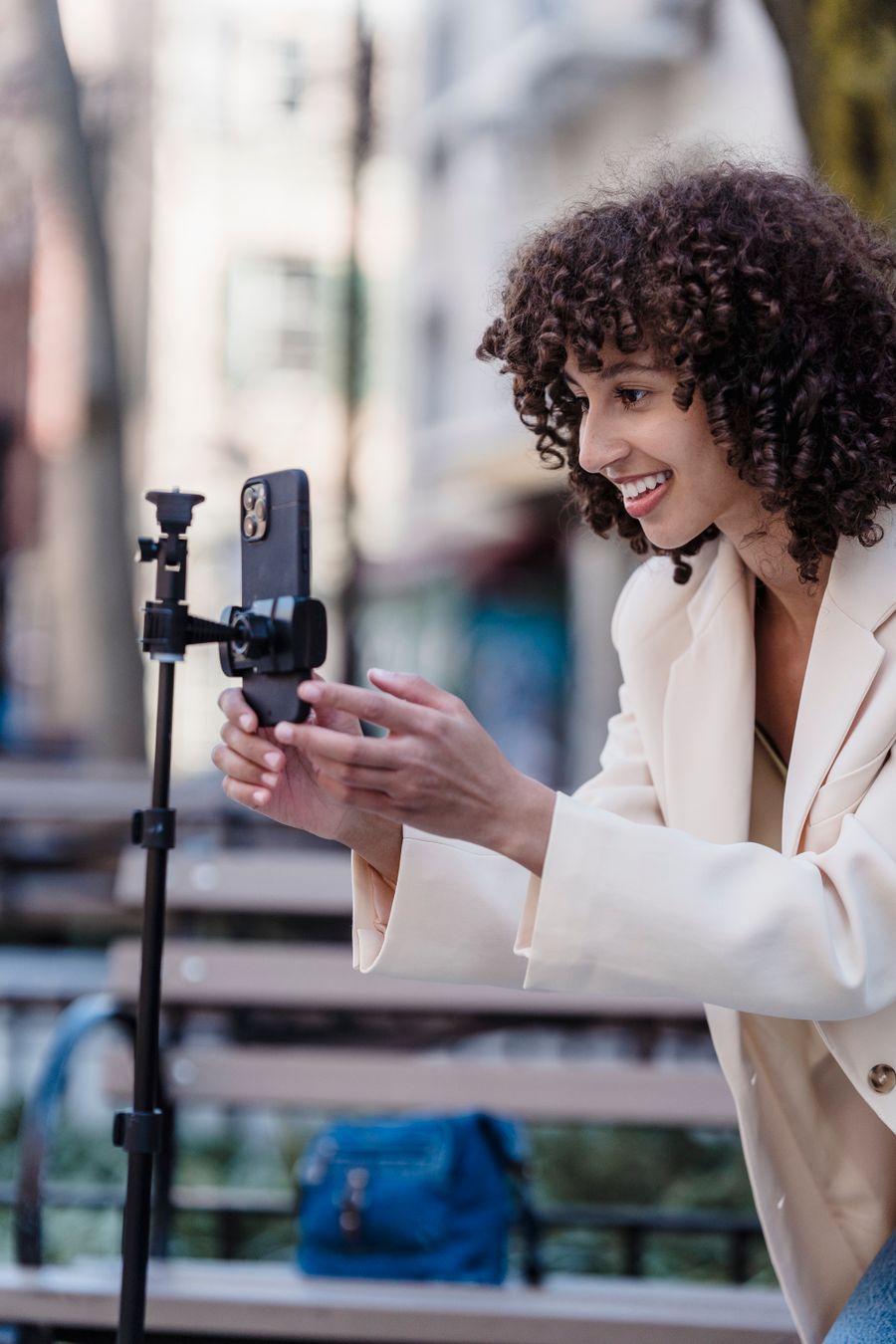
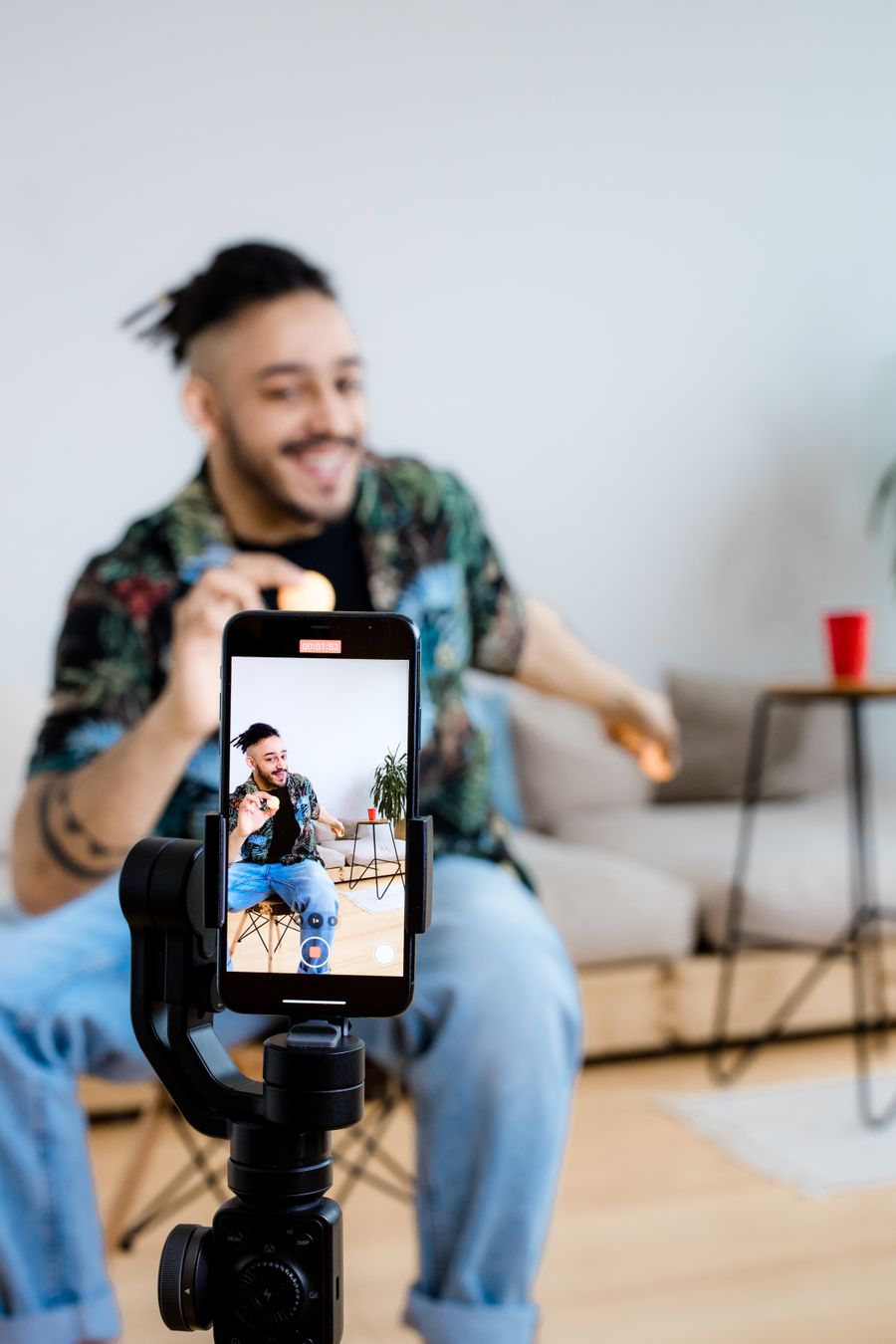
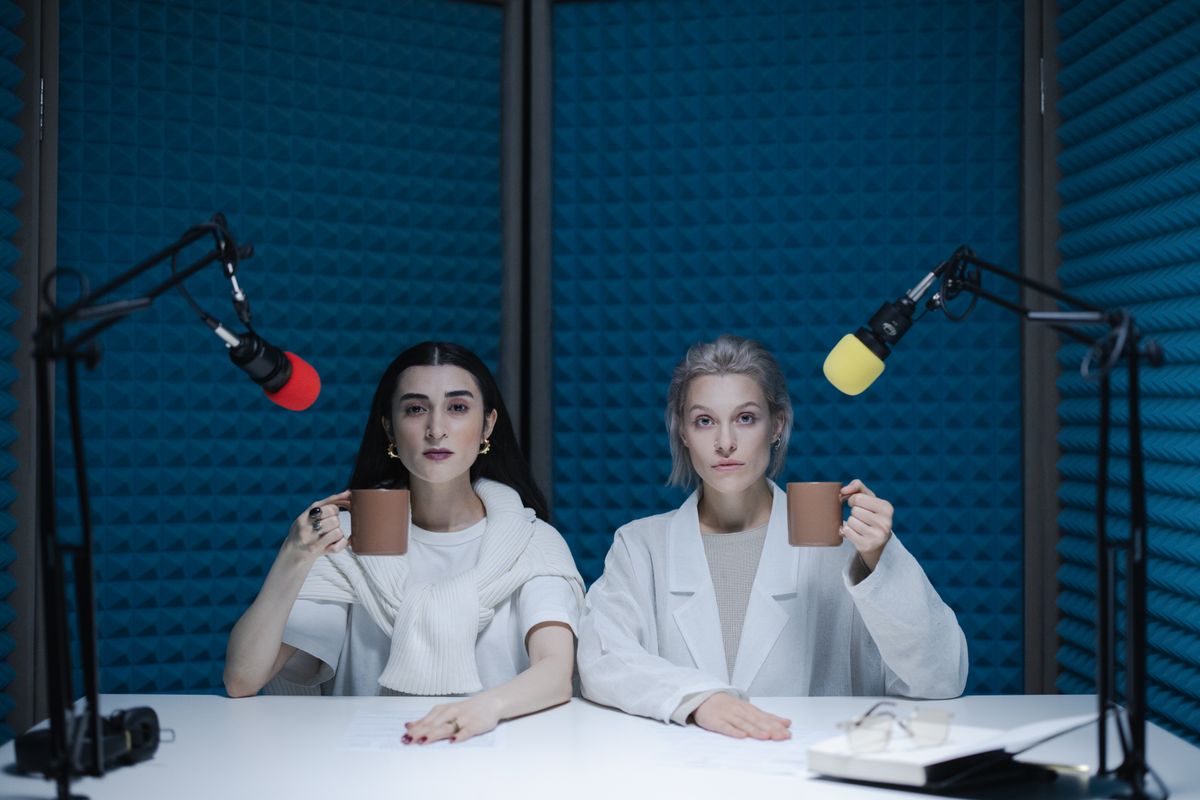

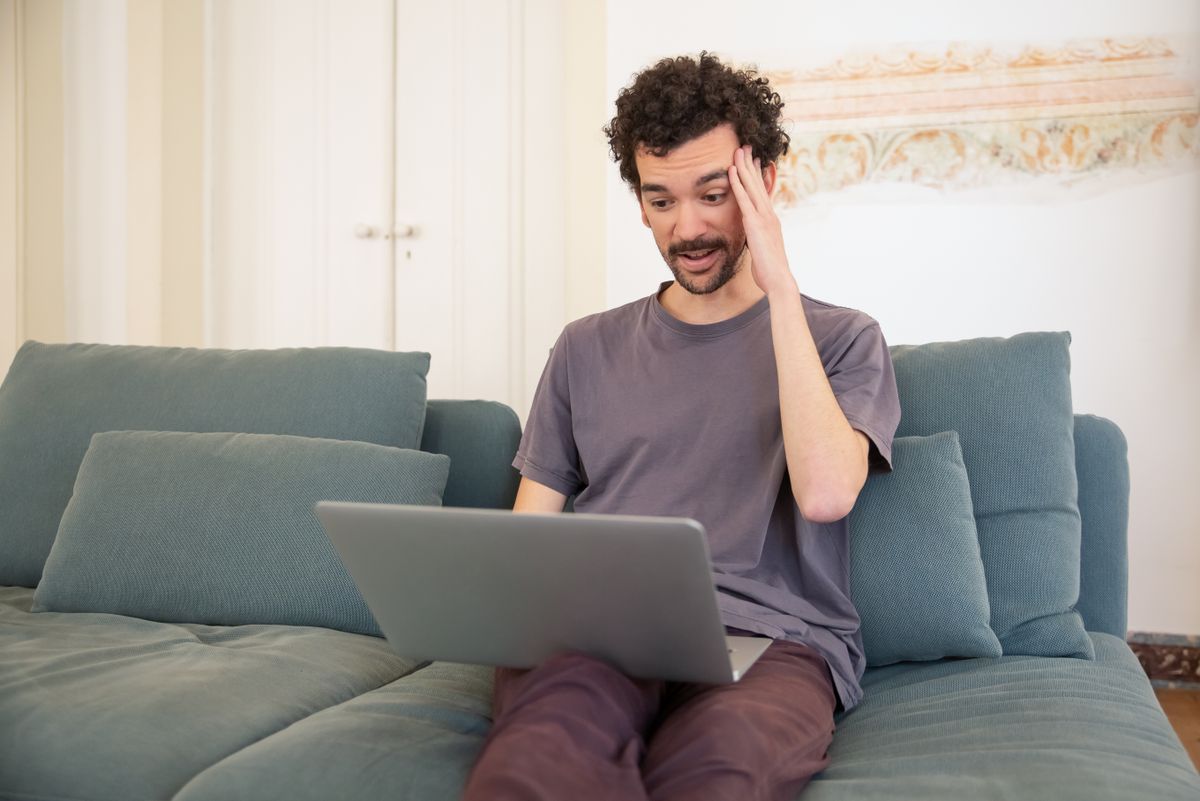
Record yourself from more than one angle with the laptop and phones you already own, and cut between them as you go. Wide for YouTube, with captions added after.
Creators
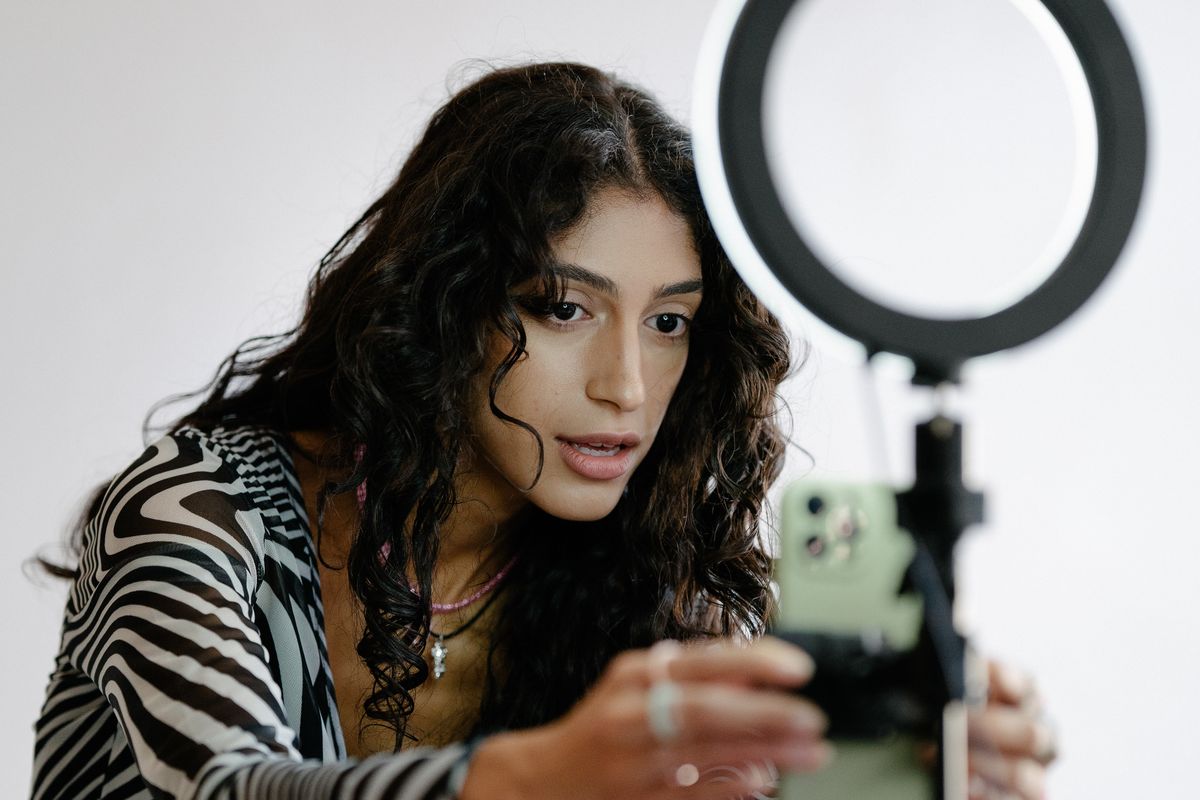
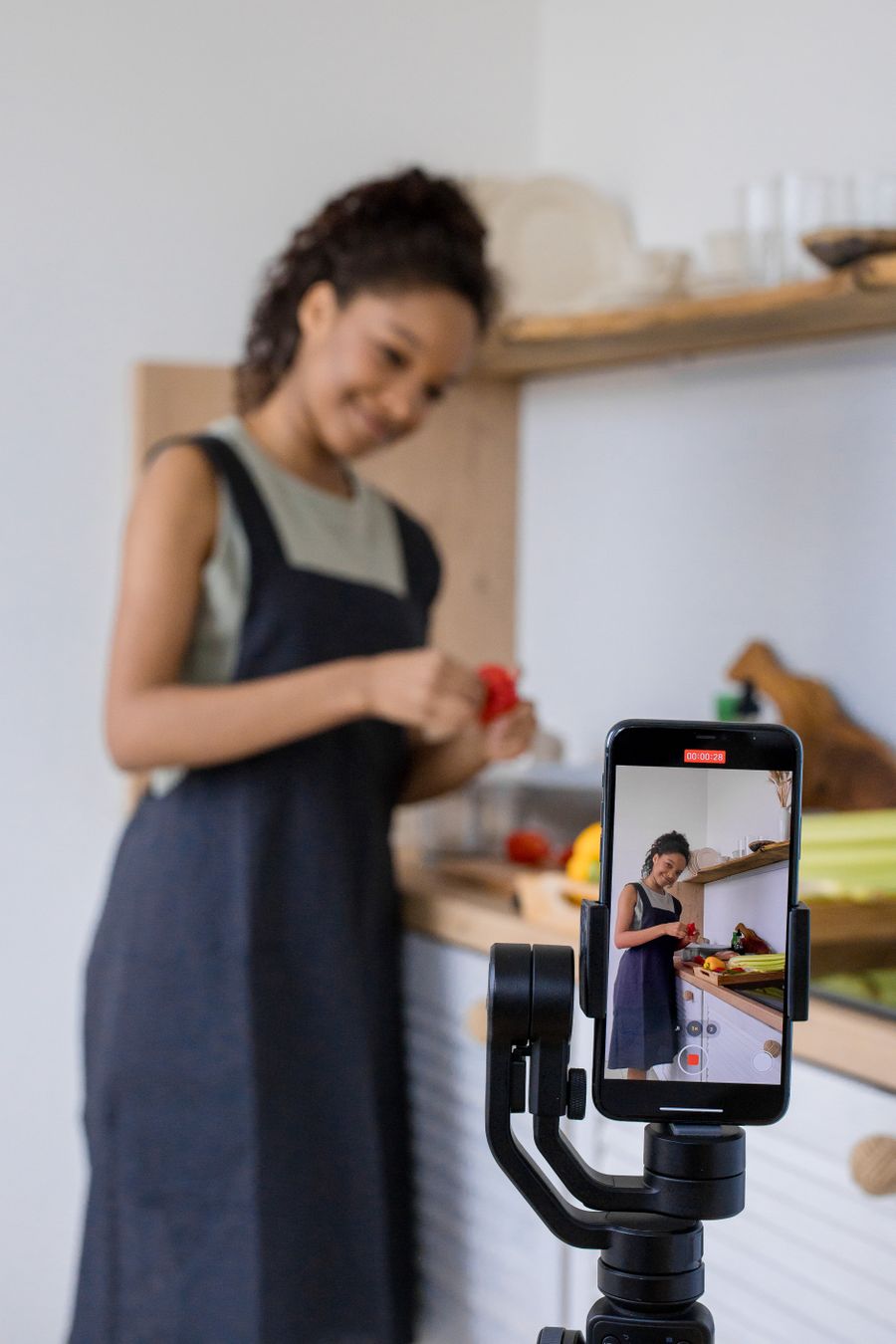
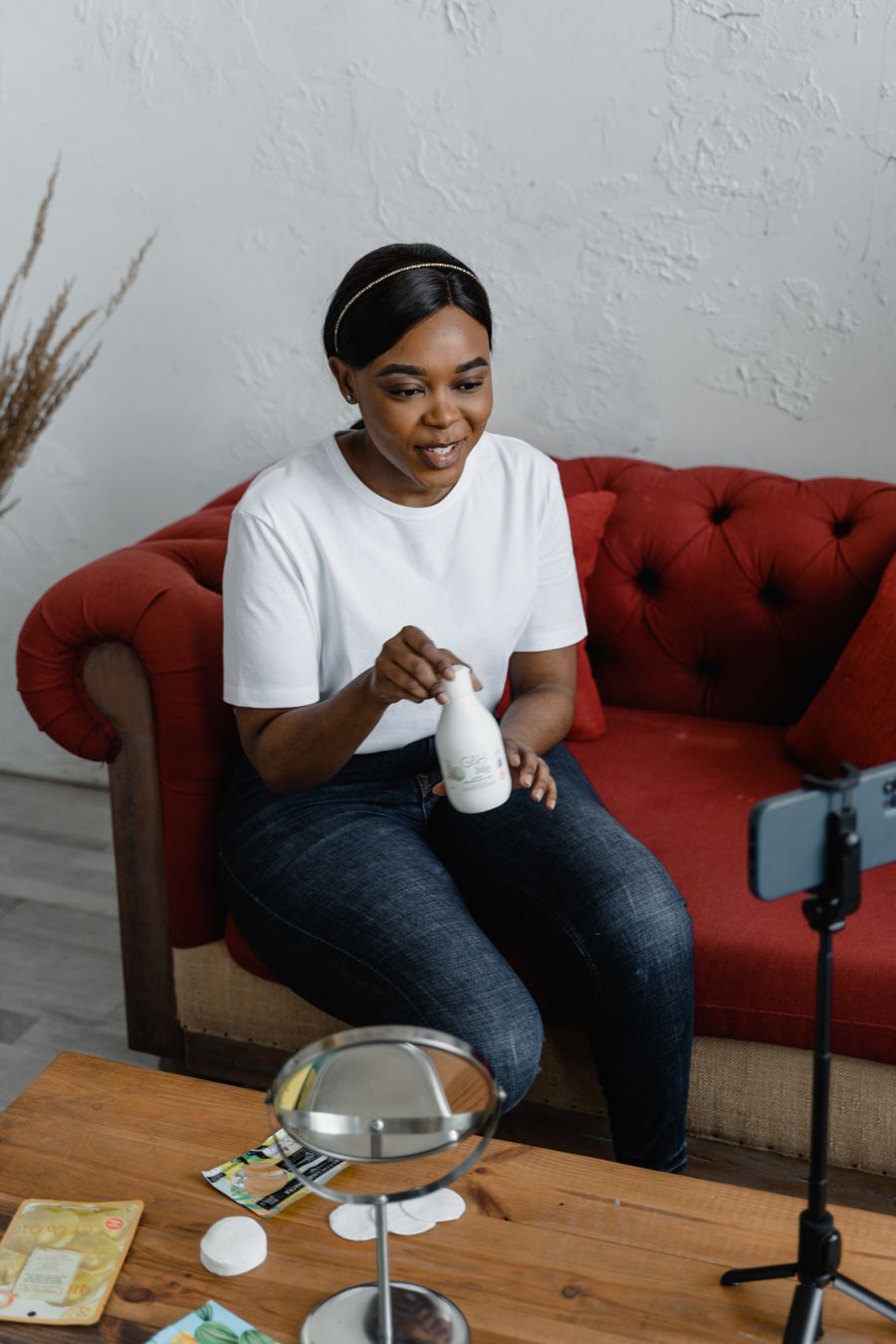
Turn the laptop and phone you already own into a studio. Record yourself from more than one angle and cut between them as you go, in the shape your feed wants: tall for Reels, TikTok and Shorts, wide for YouTube. Add captions after.
Start creatingTutorials and demos
Record your screen and your face in the same frame for tutorials, product demos and walkthroughs, with no screen-recording software to install. Ready to post the moment you stop.
Start creating
Events
Cover an event like a crew would, with up to five phones around the room as cameras on your recorder. You leave with the occasion from every side, and every phone's own recording beside it.
Start creatingPodcasts and series
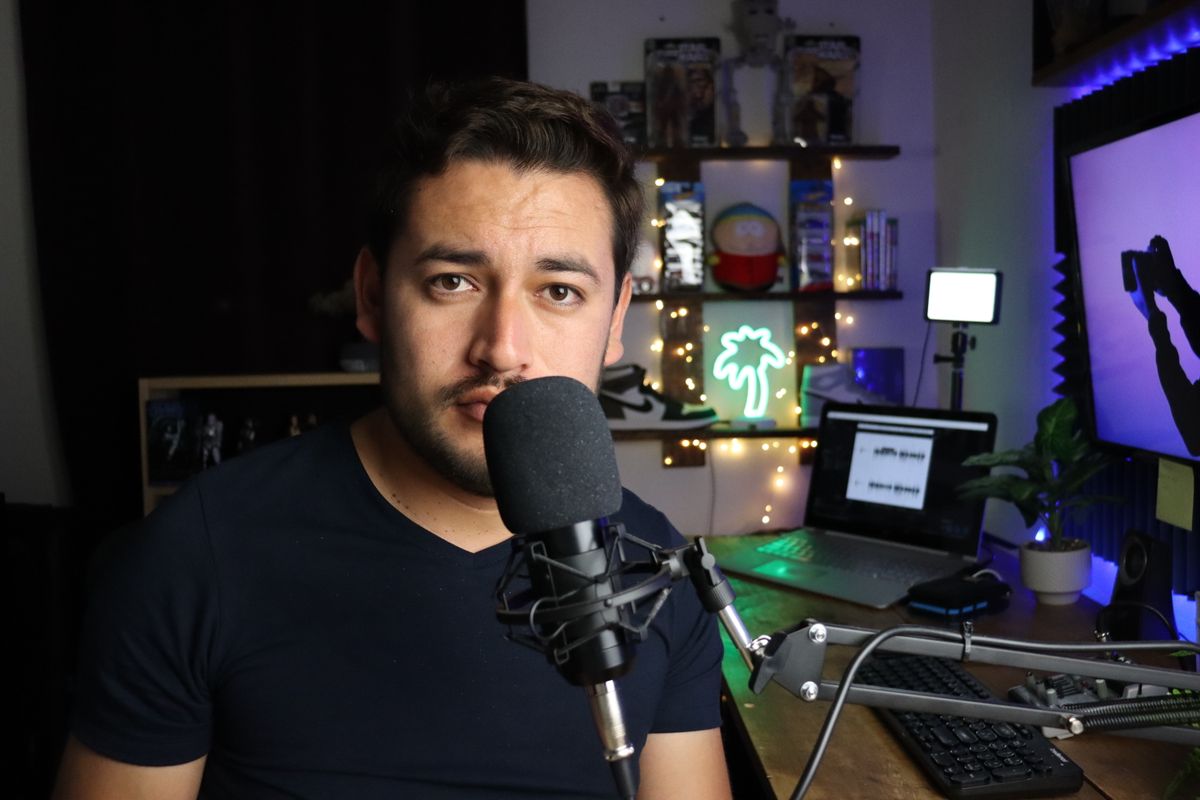
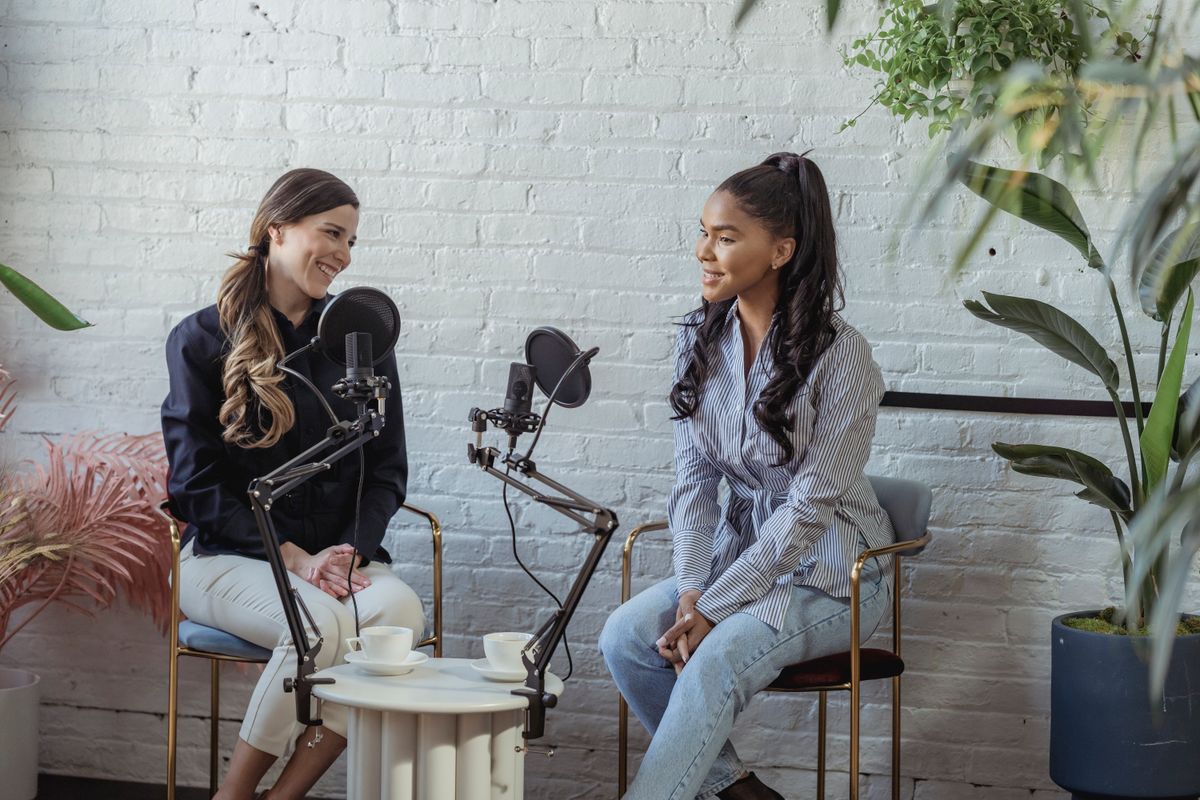
Put a phone in front of each guest and record the conversation with a camera on everyone. The recorder cuts to whoever is talking as you go, so an episode comes out edited rather than needing to be.
Start creatingVlogs
Film a dinner, a trip or a day out with the phones around the table as your cameras, and switch to the best angle as it happens. A vlog with real coverage, made with what was already in everyone's pocket.
Start creating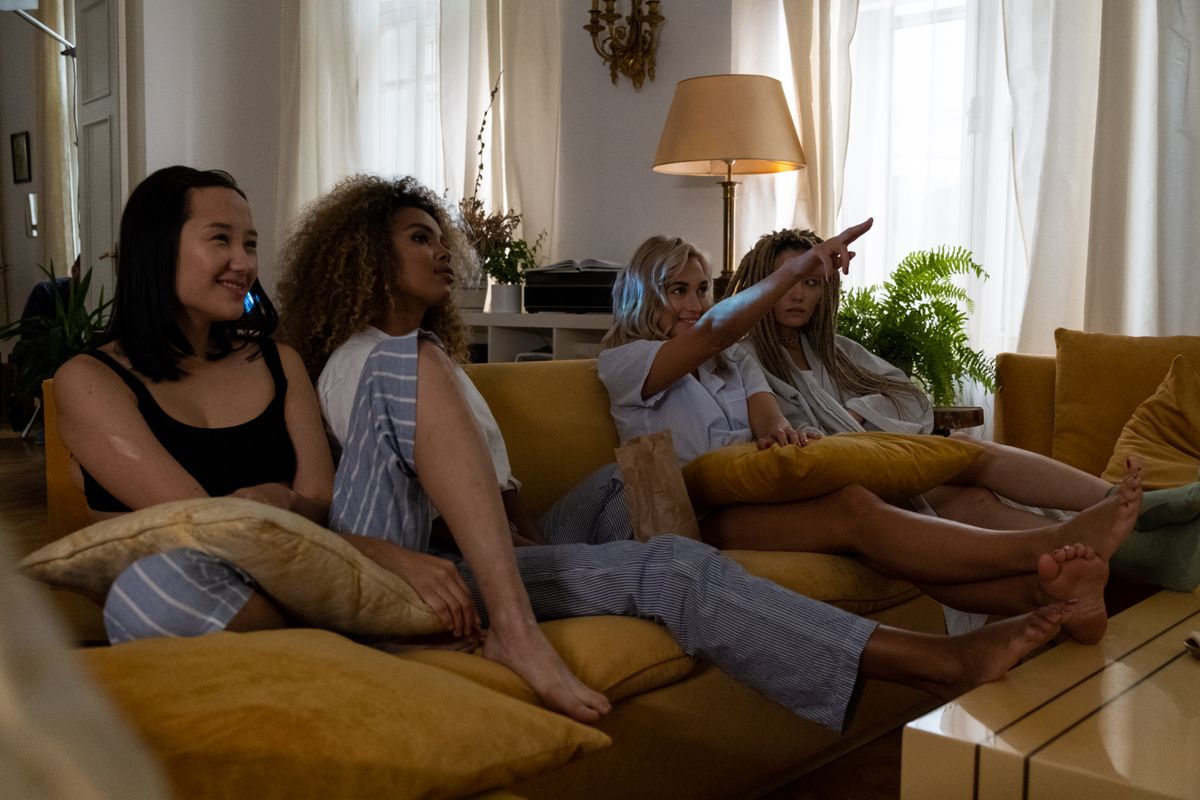
Reactions
React to something with friends who join from wherever they are. Everyone appears in the same frame next to what you are watching, so the reactions are recorded as they happen and the video is ready to post.
Start creating
Frequently asked
What is Clockitlive?
Clockitlive is a recording studio that runs in your browser. Your laptop is the recorder, and up to five phones join as extra cameras, so you can record from several angles, switch between them as you go, add your screen, and post the finished video to TikTok, Instagram Reels, YouTube Shorts or YouTube.
Can I use my phone as a camera?
Yes, you can. Scan the code on the recorder with your phone and it joins as a camera, with nothing to install. Up to five phones can join one recording, using the front or the back camera, and each phone keeps its own full-quality recording of its angle.
Do I need to install anything?
No, there is nothing to install. Clockitlive runs in the web browser on your laptop or desktop, and phones join from theirs. If you would like it in your dock or on your home screen, you can install it as an app from your browser, but you do not have to.
Can I record my screen and my face at the same time?
Yes, you can. Share a screen, a window or a tab and your camera goes in the same frame, side by side or in a corner, which is how tutorials, product demos and walkthroughs are made. There is no screen-recording software to set up.
Is Clockitlive free?
Yes, Clockitlive is free to start. The Free plan includes 5 recordings of up to 10 minutes each, and the videos it makes carry the Clockitlive mark. Pro is $10.99 a month for 15 recordings a month of up to 30 minutes each, with no mark on your videos. Pro Max is $25.99 a month for as many recordings as you like, up to an hour each, with no mark either.
Will my videos have a Clockitlive mark on them?
On the Free plan, yes. Each video you keep or download carries a small Clockitlive mark in the corner of the camera's picture and a short Clockitlive card after the last frame. On Pro and Pro Max, your videos are yours alone, with no mark in the corner and no card at the end.
Where are my recordings saved?
You choose where they go, project by project. You can save them in your Clockitlive account, where you can watch, edit and share them from any device; on your computer, in a folder you pick, with nothing uploaded; or in both places at once. Saving to a folder works in Chrome and Edge, and other browsers save to your downloads instead.
What shapes and quality can I record in?
You can record in portrait (9:16) for TikTok, Reels and Shorts, or in landscape (16:9) for YouTube. Recordings go up to 4K where your camera supports it.
Can I edit my videos?
Yes, you can edit them in the browser. You can trim and cut your recording, add music, and have captions written from what was said. When you are done, you download the finished video, ready to post.
Can friends join from somewhere else?
Yes, they can. Invite friends with a link and they appear in the same frame from wherever they are, which is how reactions and watch-alongs are made.
Who can see my recordings?
Only you can see them. Your recordings stay private to your account unless you choose to share or post them.